ProDiscoverer PASOE Web Console is a tool for PAS for OpenEdge Administrators
Discover PASOE Instance Health
Select Environment -> Host -> PAS Instance -> ABL Application:
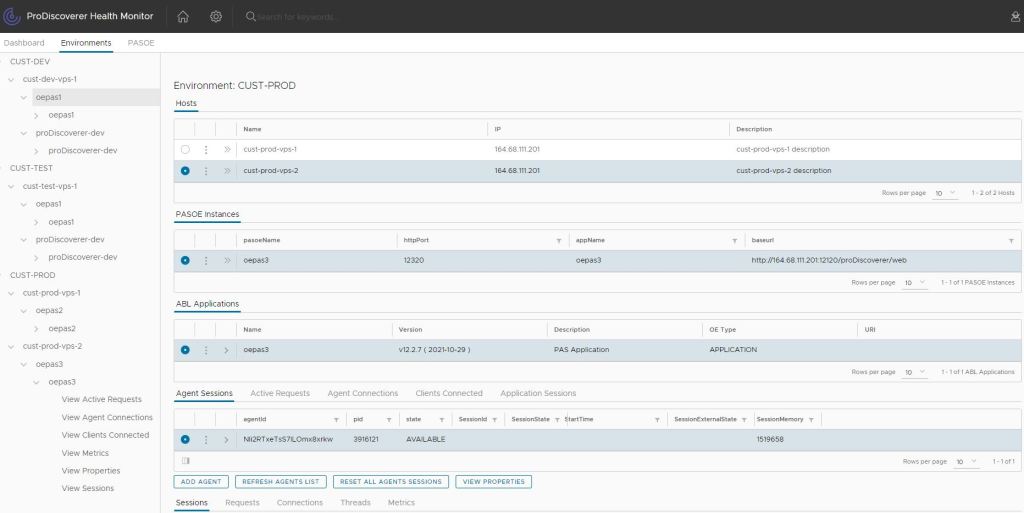
ABL Applications
- Monitor ABL Applications:
- Agent sessions
- Application sessions
- Active requests
- Agent connections
- Clients connected
- Terminate HTTP session
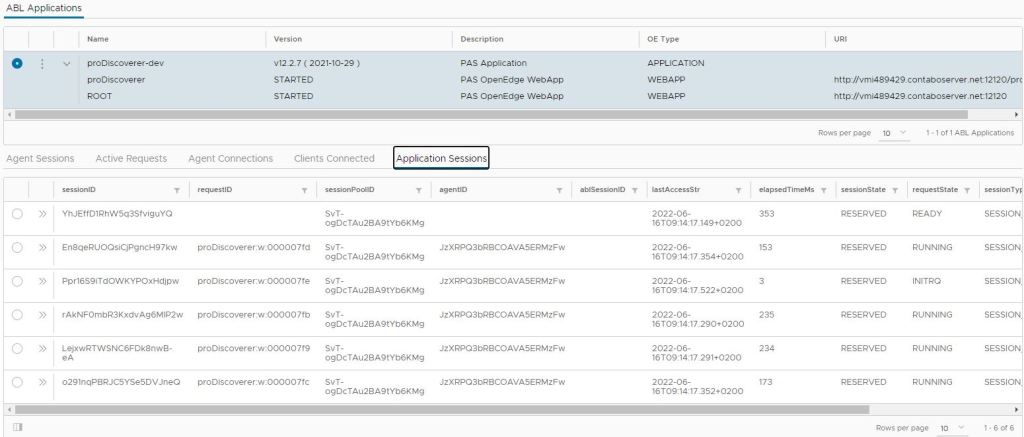
Agents
- Monitor Agents:
- Sessions
- Requests
- Connections
- Threads
- Metrics
- Status
- Enable / Disable ABL Objects tracking feature
- Stop agent
- Add agent
- Reset all agents sessions
- View properties
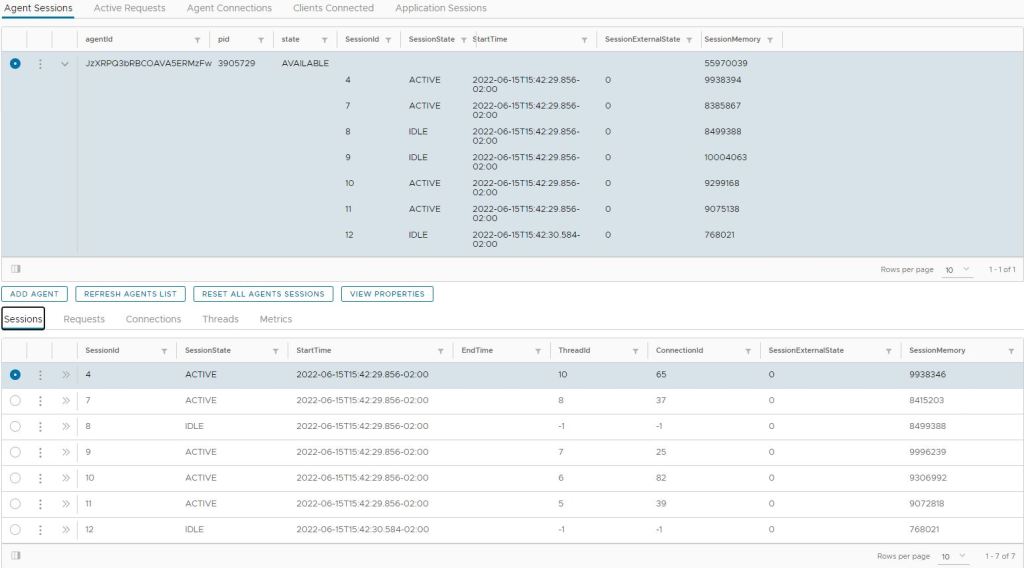
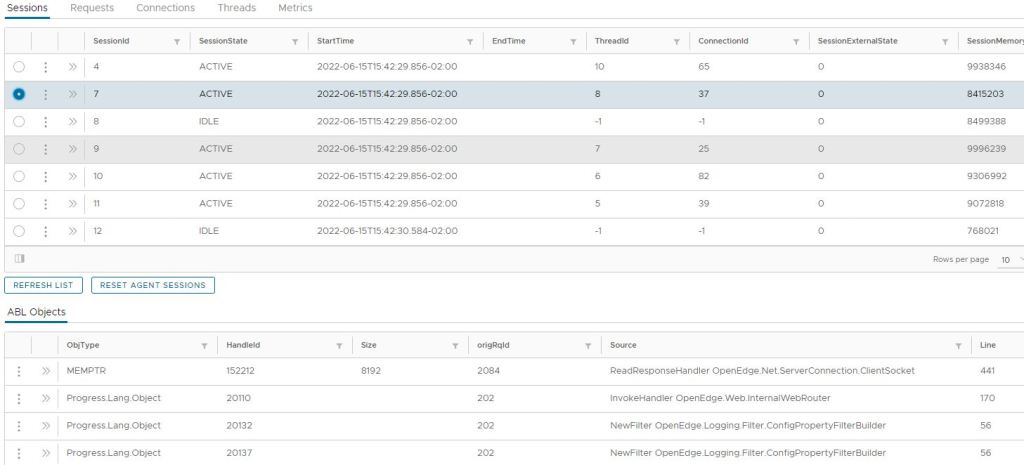
Sessions
- Monitor Sessions:
- View ABL Objects
- Terminate agent session
- Reset agent’s sessions
- View stack trace
Requirements
- OS:
- Windows | Linux
- ProDiscoverer PASOE Web Console Application
- OpenEdge 12.X
- ProDiscoverer PASOE Web Console PAS instance running:
- ABL Web application proDiscoverer deployed to PAS instance & running
- PAS instance(s) to monitor health running:
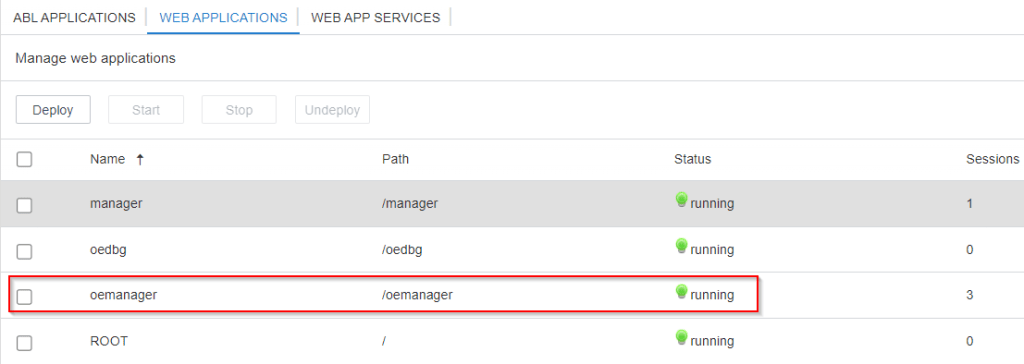
- ABL Web application oemanager deployed to PAS instance to monitor & running
- ProDiscoverer PASOE Web Console PAS instance running:
ProDiscoverer PASOE Web Console Demo
ProDiscoverer PASOE Web Console PoC demo is available at ProDiscoverer PASOE Web Console
 ProDiscoverer